At a glance
| Software | Where it runs | What sets it apart |
|---|---|---|
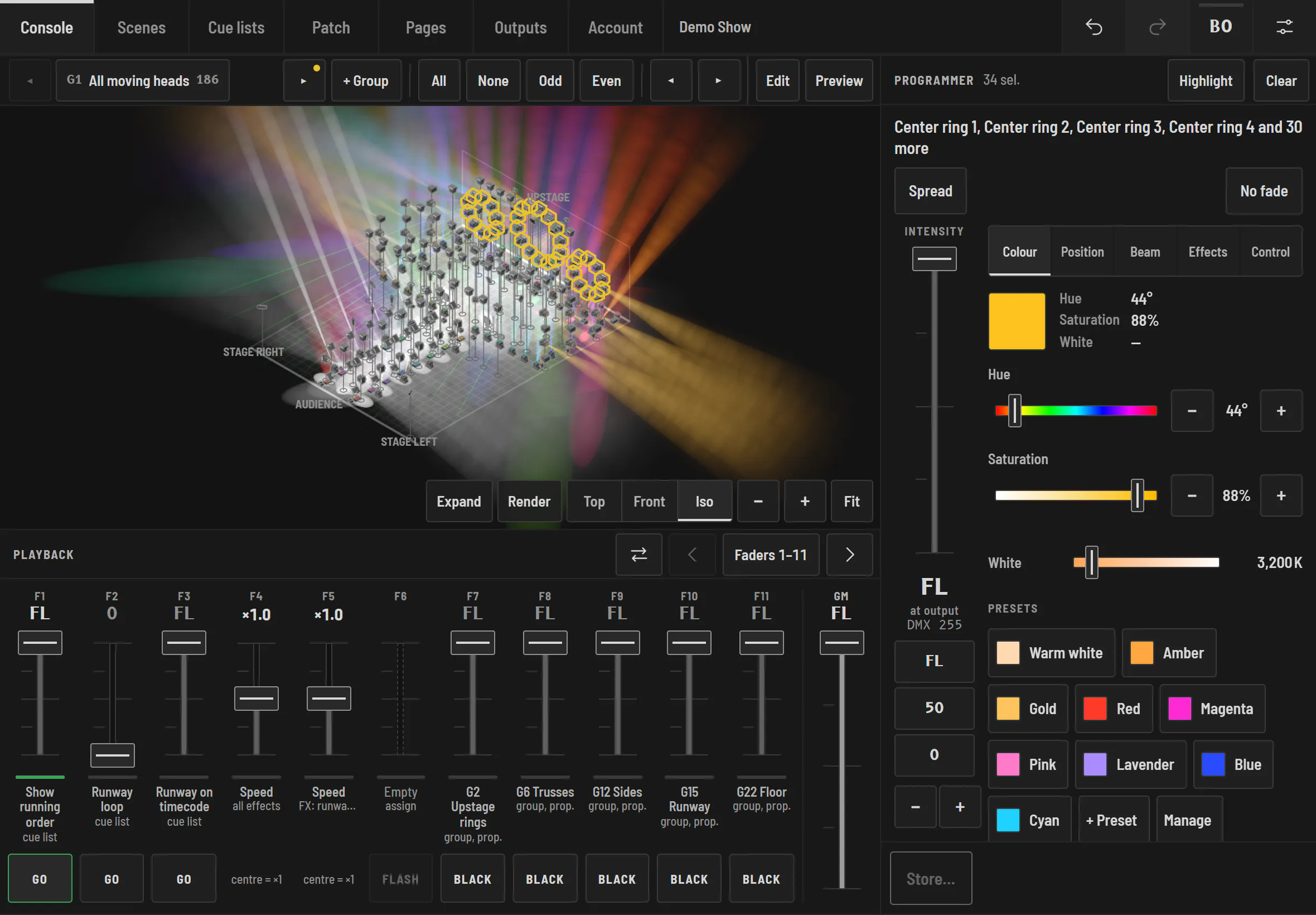
| Halyx | engine on a Windows PC, screens on iPad, Android, iPhone, Mac, PC (browser) | several tablets at once, in sync; 3D visualizer included; Art-Net and sACN to any node |
| Lightkey | macOS | an interface designed for the Mac |
| Luminair | iPad, iPhone (iOS, iPadOS) | a touch app in the Apple ecosystem |
| QLC+ | Windows, macOS, Linux, Raspberry Pi | free, open-source and very complete, with a more technical interface |
| grandMA3 onPC | Windows, macOS | the reference for large tours, MA syntax and logic |
You work on Windows or with Android tablets
Halyx runs on a Windows PC and is controlled from any browser: an Android tablet, an iPad, a phone, all at once. That is often the reason to look for an alternative to software limited to the Mac or the Apple ecosystem.
You want free
Halyx is free without a licence: everything works, 3D visualizer included, except the output to fixtures. Enough to learn and prepare a show. For real output, the 14-day Solo trial needs no card. QLC+ remains the choice for fully free, open-source software, at the cost of a longer learning curve.
You come from grandMA
Halyx keeps what most shows need (effects on every attribute, fans, per-family timing, pages) without a command line or hidden tracking. The details are in Halyx and grandMA3.
What Halyx doesn't do (yet)
No output through a USB DMX interface (network only, Art-Net and sACN), no MVR import, no video pixel mapping. If one of these is essential, another program will suit you better today.
Lightkey, Luminair, QLC+ and grandMA3 are trademarks of their owners. Halyx is not affiliated with any of them. Public information, checked on 2 November 2026.